
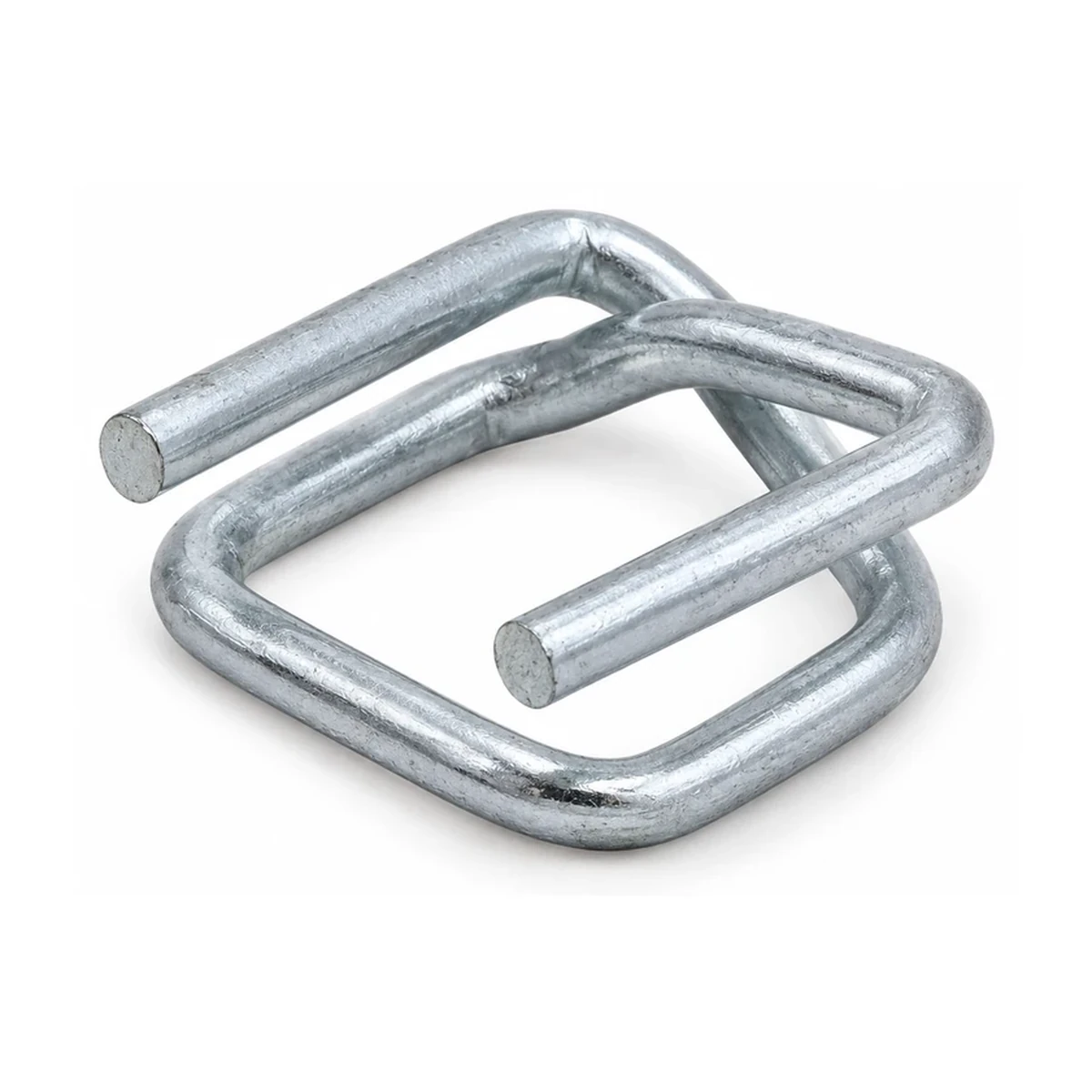
YK-WB-13G-30
Galvanized wire buckles
- Catalogue order unit
- carton
- Nominal width
- 13 mm
- Wire diameter
- 3 mm
- Finish
- Galvanized (zinc-coated)
- Pieces per carton
- 1000
Catalogue reference view; confirm the exact variant with the enquiry.
Add this reference01 / Part lines
Keep the YAKU part number, your own reference, requested quantity and unit together. That line becomes the connection point for allocations, documents, samples and scope questions.
START WITH A SHARED REFERENCE
EXACT REFERENCE / ORIGINAL QUANTITY / CHOSEN UNIT
Choose pieces or cartons for metal components and rolls for strapping. Changing a part or unit clears that line’s quantity and allocations. Drawing/sample records keep their recorded PN for review.
Add a part line or choose an illustrated catalogue reference below. Your quantities and notes will remain separate from the source facts.
THE DECISIONS BEHIND THE RECORDS
01
Your buyer code can help a colleague recognise an item, but it is not proof of a technical match. Select the exact catalogue part and retain your own code as a separate reference. A nominal strap width alone does not establish buckle suitability, sealing performance or compatibility with the strap and tool in use.
Create separate lines where the same catalogue part has a different document, sample history or purchasing requirement. The line identifies that particular requirement; the part number identifies the catalogue item. Matching part numbers do not merge the two requirements or their linked records.
02
For metal components, choose pieces or cartons. For woven or PET strap, choose rolls. Known catalogue packing remains visible as a reference, but this desk does not convert a requested piece quantity into cartons or infer how much material a roll contains.
An unknown packing value stays unknown for that exact part. Another item with the same nominal width cannot supply the missing count. If a carton content or roll length is necessary to compare quotations, record a scope question and ask for a code-specific answer.
03
Changing the part or requested unit clears that line’s quantity and allocations. Enter the new quantity deliberately, then check the linked references. Existing drawing and sample records retain the part number they recorded; a mismatch becomes an open review point rather than an inherited approval.
Listed dimensions are catalogue facts. Availability, the proposed strap system, sample suitability, packing confirmation and commercial terms still require review. This draft is the starting information for that discussion, not an approved application or accepted order.
02 / Destinations and allocations
Record the consignee, full address and intended receiving point separately. Allocate each part line in its own unit and keep the remaining balance visible.
ACTUAL POINTS / NOT JUST COUNTRY NAMES
Record each actual receiving organisation and address. Country names do not establish delivery scope or a YAKU presence.
EACH LINE / ITS OWN UNIT
Allocations must equal each original line in that line’s unit. Underallocated lines remain open; overallocated or mismatched-unit lines cannot be prepared for export.
Link an original line to a receiving point, then enter the quantity in the same unit. This is a request distribution, not a shipping commitment.
THE DECISIONS BEHIND THE RECORDS
01
A purchasing organisation, consignee and final receiving organisation can be different parties. Record who is intended to receive the goods, the full address and the precise warehouse, terminal, gate or other point relevant to the enquiry. State whether a named port is an intermediate point or the destination being quoted.
Receiving notes can identify an appointment reference, access restriction or other requirement the buyer needs checked. They are proposed requirements, not confirmation that a carrier, supplier or receiving party has accepted them. Keep commercial scope questions open until the responsible parties confirm the detail.
02
Link an allocation to one exact line and one destination. Compare its quantity only with the other allocations for that same line, using the line's chosen unit. Two identical catalogue parts on separate lines can carry different reference or review requirements and therefore remain separate.
An unallocated balance stays visible as an open decision. An excess allocation, an allocation linked to a missing line or destination, or a mismatched allocation unit must be corrected before preparing the combined review. The desk does not create a grand quantity across pieces, cartons and rolls.
03
A quantity assigned to a destination is a buyer's requirement. It does not create a dispatch, reserve stock, establish a delivery date or calculate a freight price. Catalogue net weight and packing references cannot establish gross shipment weight, pallet dimensions or a mixed-load plan.
If delivery scope is expressed through a trade-term reference, keep the buyer's exact wording, edition and named point together in the scope questions. The desk does not select a rule or determine transport, risk, customs or tax obligations.
03 / Drawing and sample register
Link each drawing, revision and sample reference to the relevant line. Record the reviewer and evidence source where available, without turning a selected status into a test result.
RECORD IDENTITY BEFORE A DECISION
Record identifiers as written, including leading zeros. These are your records, not uploaded documents, completed tests or YAKU approvals.
Link a drawing, revision and sample record to an exact line. If that line’s PN changes, the recorded reference stays visible as a review question.
THE DECISIONS BEHIND THE RECORDS
01
Identify the drawing or document reference and its revision, then add the sample or batch reference where relevant. Describe the dimensions, appearance or application checks that still need review. A colleague should be able to tell which record to retrieve and what question it is meant to answer.
These fields hold reference text only. Typing a file name does not upload, attach or share that file. Arrange the actual drawing, photograph, sample or report through an agreed channel when the parties are ready to review it.
02
Use the status to describe the buyer’s record, such as evidence requested or acceptance recorded by the user. For a recorded sample decision, identify the reviewer, date, criteria and supporting evidence reference. Selecting a label supplies none of those checks and does not create supplier sign-off.
Keep the criteria specific to the proposed application. Width and wire or sheet dimensions help identify a component; they do not alone establish joint strength, corrosion life or strap-and-tool suitability. Missing evidence remains an open question rather than a passed check.
03
A reference record keeps the part number it recorded when the current line changes. Compare that identity with the line’s new part before relying on the drawing or sample. The resulting mismatch remains visible as an open review point. A similar finish or nominal width does not make the earlier decision applicable.
Record a new review or explain the remaining question instead of overwriting the earlier identity. A complete register improves traceability; it is not itself a certificate, inspection report or approval to release goods.
04 / Repeat requirement comparison
Compare the previous part, quantity, unit, drawing and receiving point with the linked line. Keep changes visible without treating an earlier enquiry or quotation as a renewed agreement.
PAST SOURCE / CURRENT REQUEST
Copy the previous source literally. The comparison keeps quantity, unit, drawing, sample and receiving-point text separate. Equal text is not technical equivalence.
Use a previous order, drawing or enquiry reference as user-supplied context. A prior price, approval or availability is never made current automatically.
THE DECISIONS BEHIND THE RECORDS
01
State whether the previous reference was an enquiry, quotation, order or internal record, and enter its identifier. This is information you supply for comparison; the desk does not retrieve an account, verify an order history or establish that a quotation became a purchase.
Enter the earlier part number, quantity and unit, drawing revision and receiving point you want compared. If a value is not available, leave it unresolved rather than reconstructing it from a similar product or a current catalogue entry.
02
Compare part numbers before comparing quantities. A changed wire diameter, finish or component identity can require new technical review even where the nominal strap width looks familiar. The current line retains its own catalogue facts and linked evidence.
The comparison shows whether the previous and current text is the same, different or missing. It does not calculate a percentage change or convert cartons into pieces. Keep units explicit and check the actual packing with the parties if you need a like-for-like quantity comparison.
03
A prior reference does not renew prices, availability, lead times, delivery scope or payment conditions. Check the receiving details as well: the current comparison includes the destination name, consignee, country, address and handover wording. A changed gate or delivery address can matter even when the catalogue part remains the same.
Record any drawing, sample or scope change that needs a new answer. The result is a change brief for review, not a repeat-order acceptance or a statement that earlier approvals still apply.
05 / Scope questions
Record what needs confirming, which line or destination it concerns and who will obtain the answer. Keep the source of a buyer-recorded response with the question.
NAME THE QUESTION / NAME WHO ANSWERS
Keep packing, sample conditions, documents and named handover responsibilities as explicit questions. A user-recorded response source is not a verified commercial commitment.
A question can apply to one line, one receiving point or the whole brief. Record the party to answer and retain the original response context.
THE DECISIONS BEHIND THE RECORDS
01
A question such as 'confirm packing for this part' is more useful when it points to the actual line and requested unit. Link destination-specific questions to the receiving point they affect. If the question covers the entire brief, leave that wider scope clear rather than assigning it arbitrarily to one item.
Useful questions can cover the proposed strap-and-tool system, drawing revision, sample checks, carton contents, roll length, shipment packing or quotation validity. These are matters for confirmation. The desk does not fill missing answers from another product or supplier.
02
Name the person or team responsible for obtaining the answer. When a response arrives, retain its document reference, date or other identifying source in the response-source field and use the note for relevant context. The desk records your information; it does not retrieve or verify the underlying correspondence.
The status “User has recorded a response source” describes the buyer’s record. It does not establish that a supplier issued a binding commitment or that the answer covers the current requirement. Keep incomplete information and uncertain application open for clarification.
03
For an enquiry that names a trade term, record the exact proposed wording, edition and named place or point supplied by the buyer. Ask the relevant parties to confirm the intended scope. A city name alone may leave the receiving or quotation boundary unclear.
Shipment documents and responsibilities depend on the actual transaction. This desk is a question register, not a customs, duty, tax or contractual rules calculator. It does not choose a trade term or establish who bears a particular cost or risk.
06 / Combined review and export
Bring part lines, receiving points, allocations, drawing and sample records, repeat comparisons and scope questions together. Correct invalid allocation relationships while keeping ordinary unanswered questions visible.
ONE LOCAL DOCUMENT / OPEN QUESTIONS RETAINED
Preparation checks part identity, physical counts and same-unit allocations. It preserves incomplete reference and scope information as open questions. It does not send or approve anything.
LOCAL UNSENT DRAFT
Files include context, original lines, receiving points, allocations, drawing/sample and previous-order records, supply questions and open points. CSV prefixes formula-like text and leading-zero identifiers with an apostrophe for spreadsheet safety; original text is unchanged in Markdown and JSON.
WhatsApp opens separately with a draft. You still choose whether to send it; opening is not a receipt. Keep the full local files when the draft is shortened.
THE DECISIONS BEHIND THE RECORDS
01
An allocation above the requested line total, in the wrong unit or linked to a missing line or destination prevents preparation until corrected. An unallocated balance, incomplete document reference, recorded-part mismatch or unknown packing remains a visible open point in the draft. Those gaps do not become passed checks because you can export the file.
Check exact part identities, units and receiving points before preparing the review. Read every recorded answer in the context of its source. A complete-looking table does not establish stock, compatibility, a passed sample or accepted commercial terms.
02
The full JSON, Markdown and CSV files retain the brief context and all linked records, including unanswered questions. They identify themselves as local drafts that have not been submitted. Saving a file or copying text does not deliver it to YAKU or another recipient.
CSV neutralises formula-like text, but spreadsheet software may still reinterpret reference codes or dates. Import code columns as text when needed and inspect the result, especially leading zeroes. Keep JSON as a separate structured record. The desk cannot import a saved file to resume your work.
03
Copy the prepared review or save the files before sharing them through your agreed channel. If you choose WhatsApp, review the draft there and send it yourself. A long brief may use a visibly shortened WhatsApp summary; the full exported files retain the complete record and are not automatically attached.
Editing the brief makes an earlier prepared review out of date. Prepare it again before sharing. Information links open alongside a populated workspace; confirmed departure, refresh, Reset or Discard draft & leave clears its local draft. Save a copy first. Neither the desk's review state nor opening an external message proves that an enquiry was received.
28 REFERENCES / 6 PRODUCT FAMILIES
Metal components are manufactured in Türkiye. Woven and PET strapping are sourcing enquiries. Availability is confirmed in an actual quotation.
28 references
YK-WB-13G-30
Catalogue reference view; confirm the exact variant with the enquiry.
Add this reference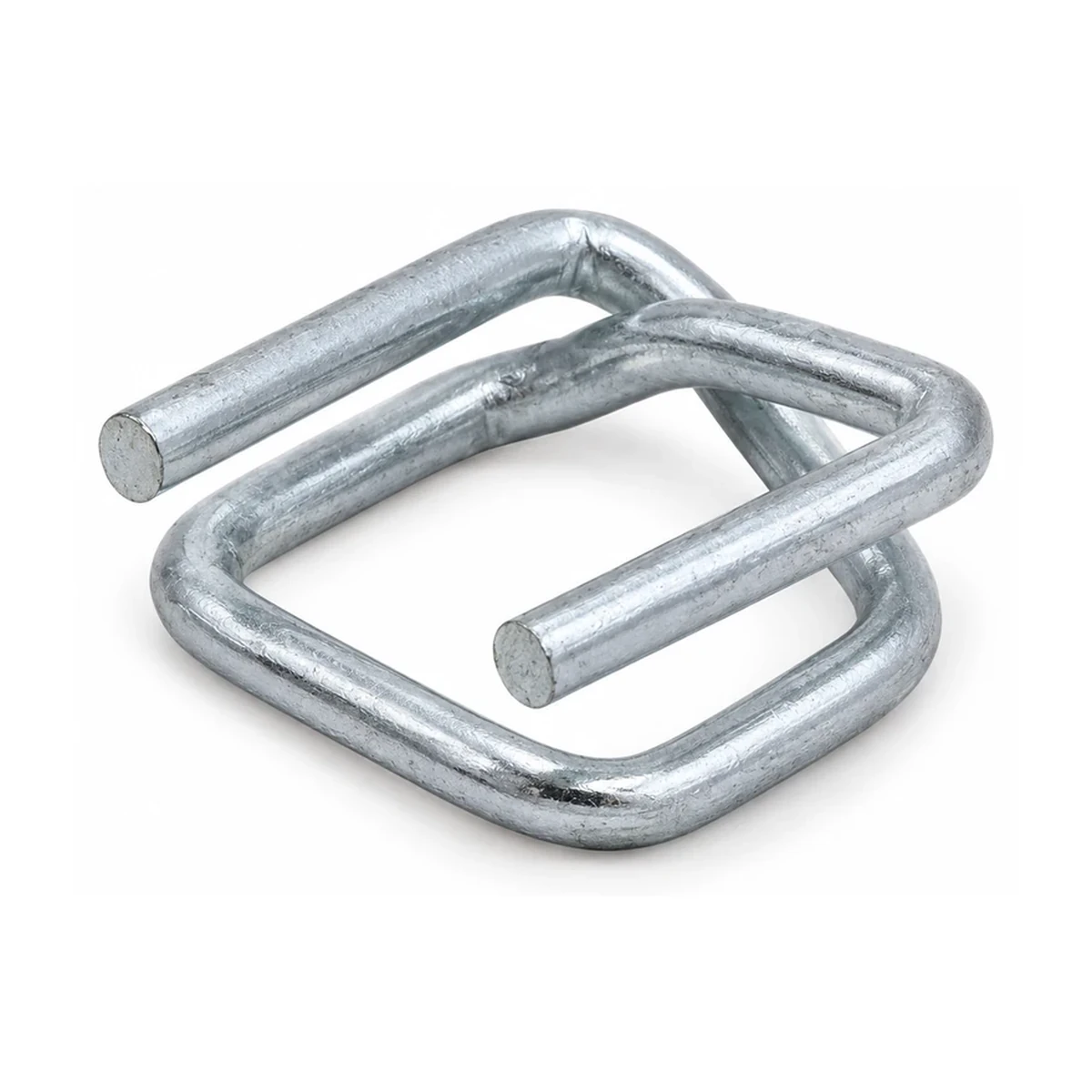
YK-WB-16G-30
Catalogue reference view; confirm the exact variant with the enquiry.
Add this referenceYK-WB-16G-35
Family reference view; exact variant remains to be confirmed.
Add this reference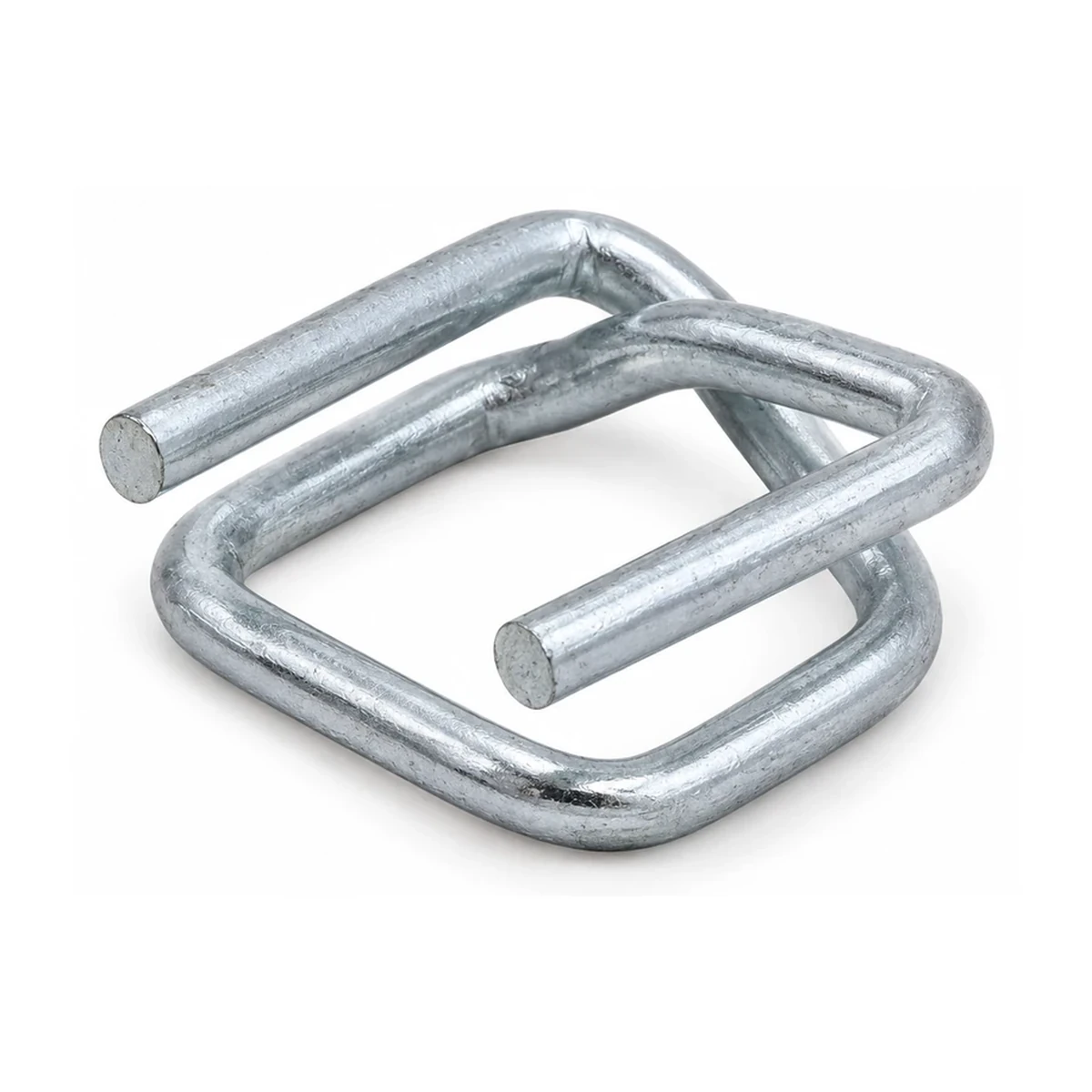
YK-WB-19G-35
Catalogue reference view; confirm the exact variant with the enquiry.
Add this referenceYK-WB-19G-40
Family reference view; exact variant remains to be confirmed.
Add this reference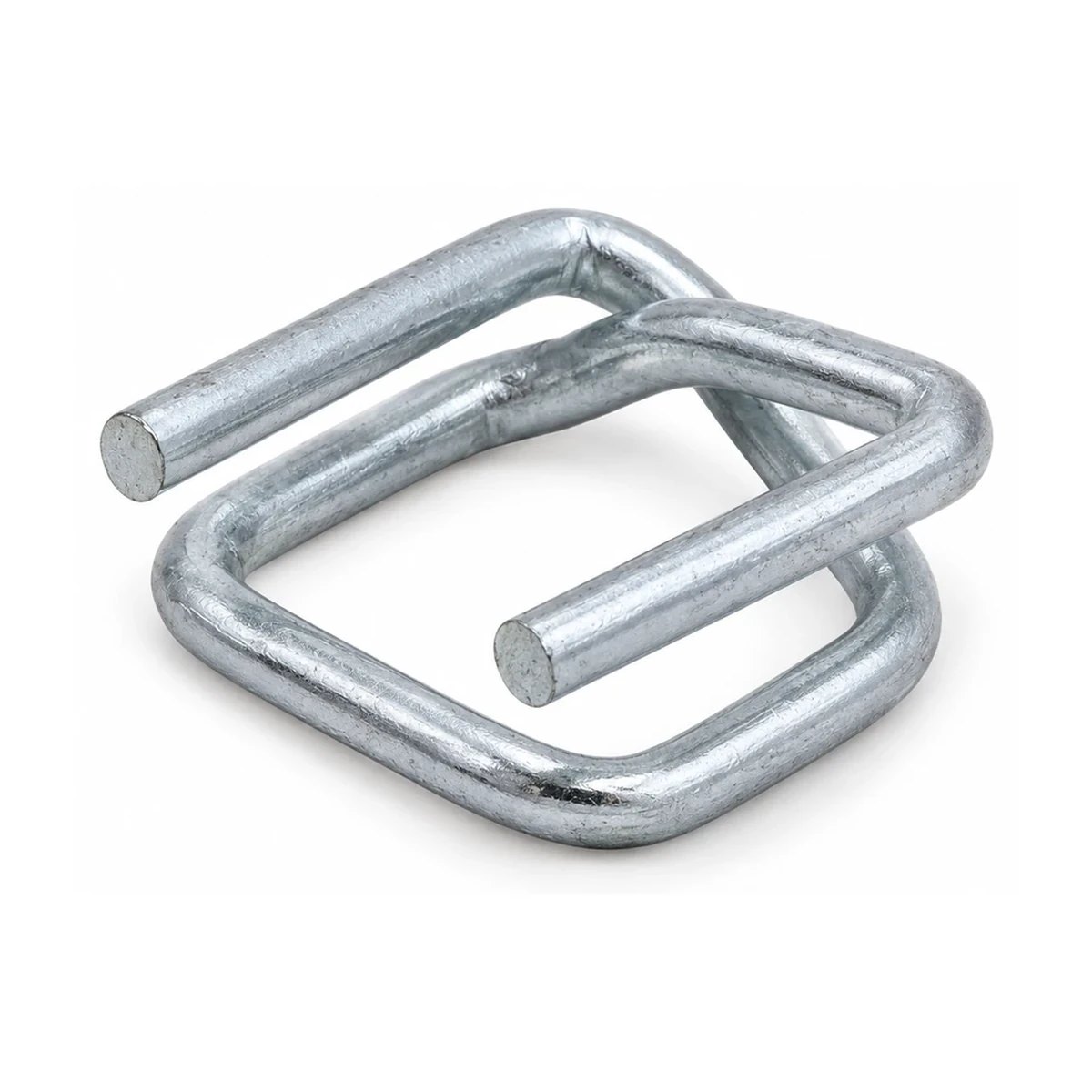
YK-WB-25G-45
Catalogue reference view; confirm the exact variant with the enquiry.
Add this reference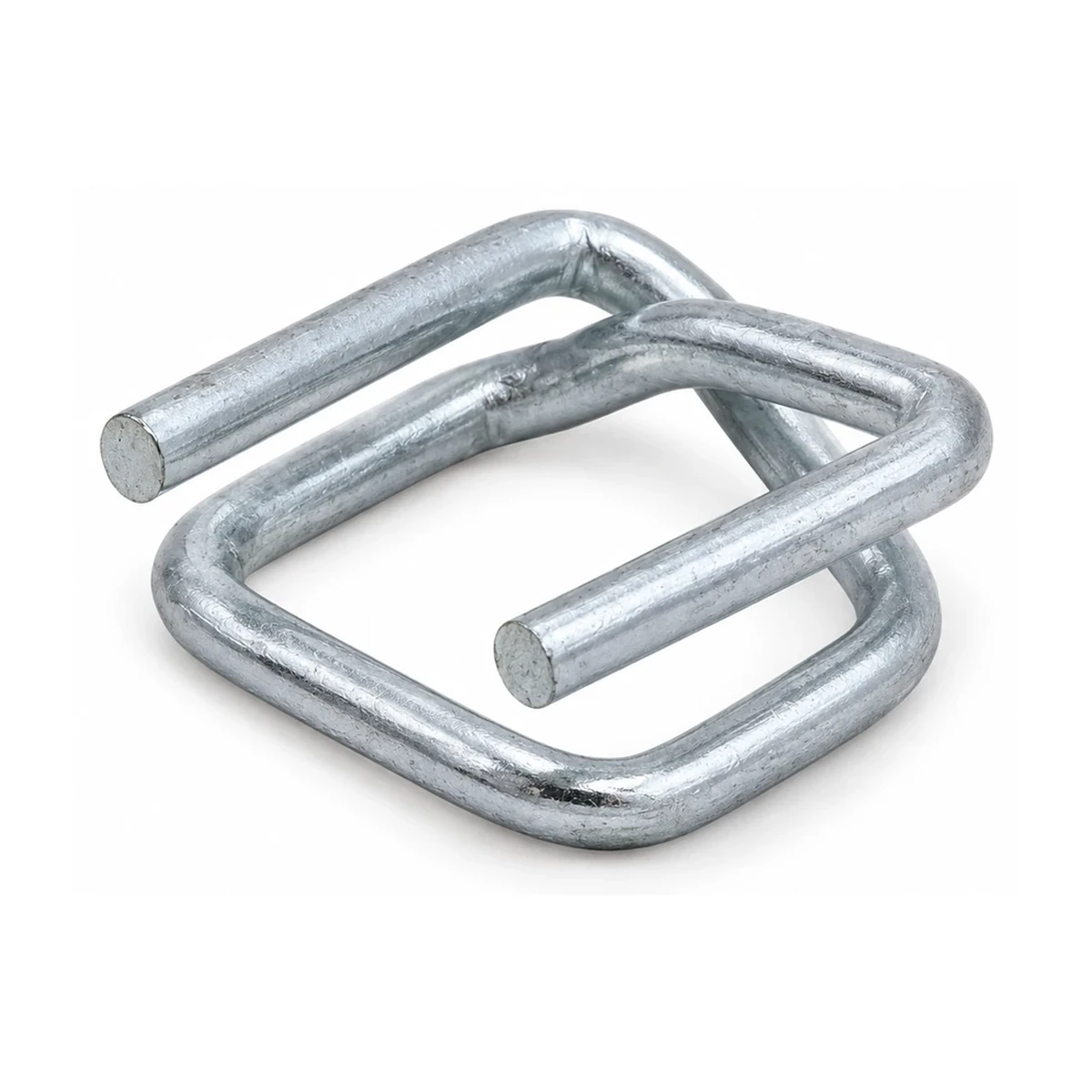
YK-WB-25G-50
Catalogue reference view; confirm the exact variant with the enquiry.
Add this reference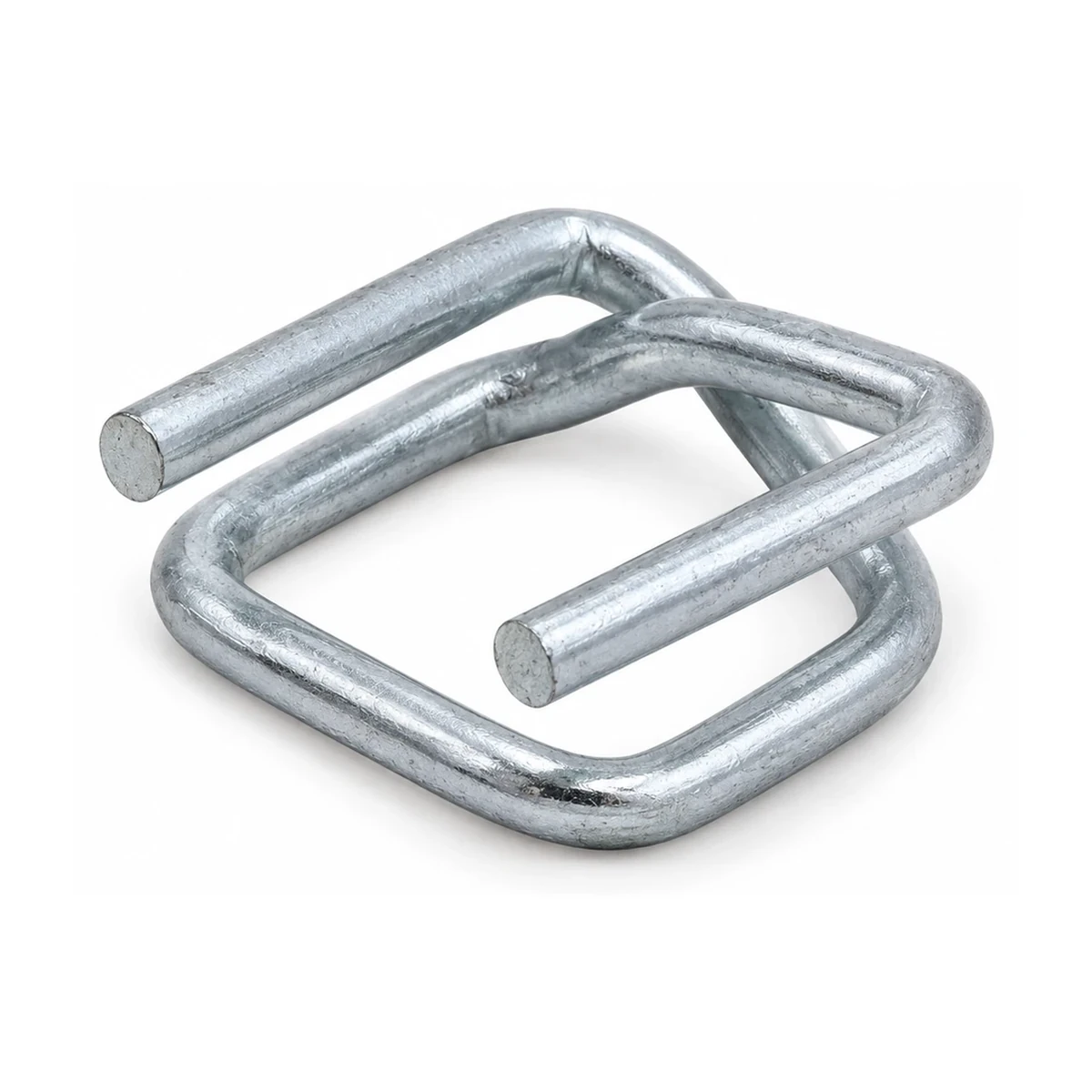
YK-WB-32G-60
Catalogue reference view; confirm the exact variant with the enquiry.
Add this reference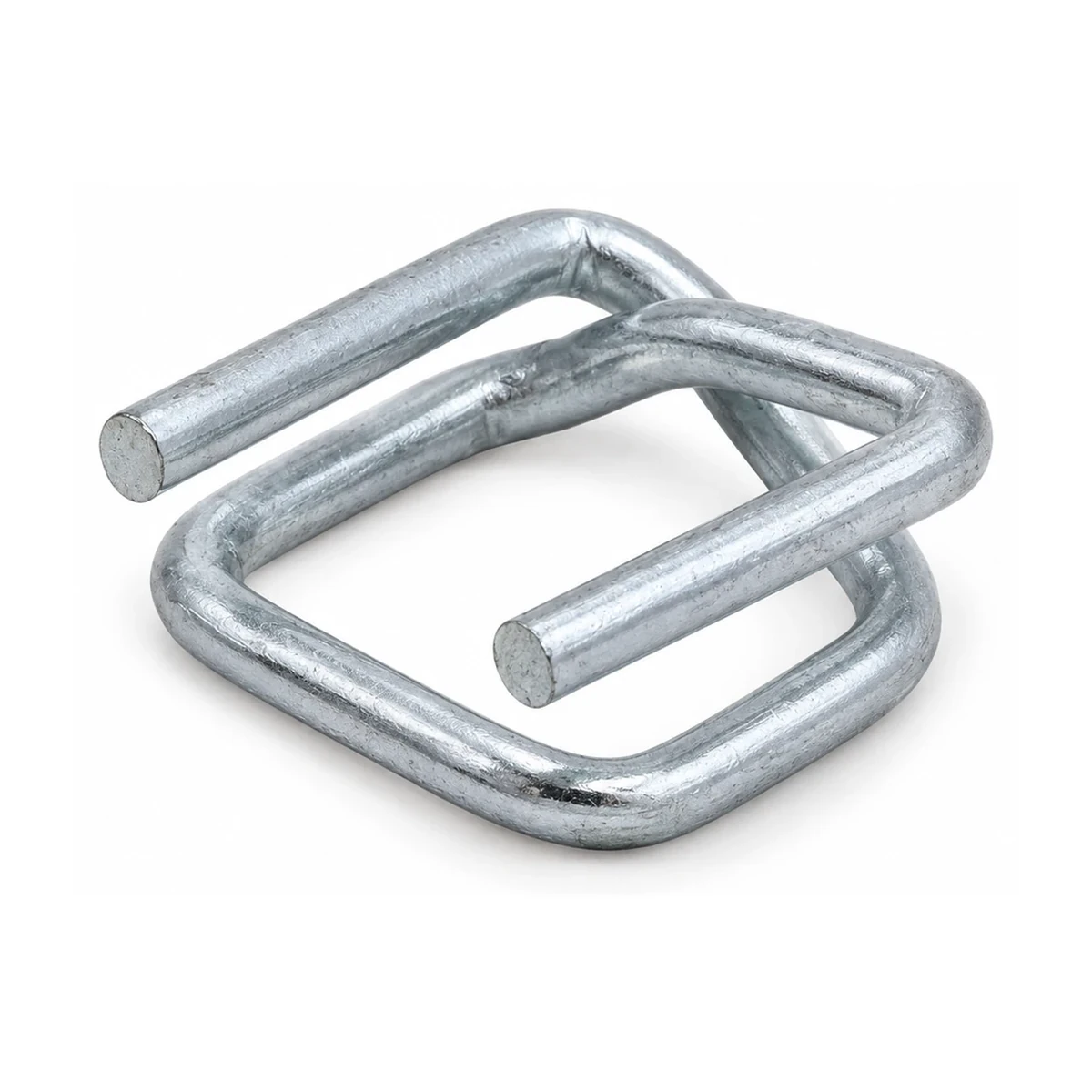
YK-WB-32G-70
Catalogue reference view; confirm the exact variant with the enquiry.
Add this reference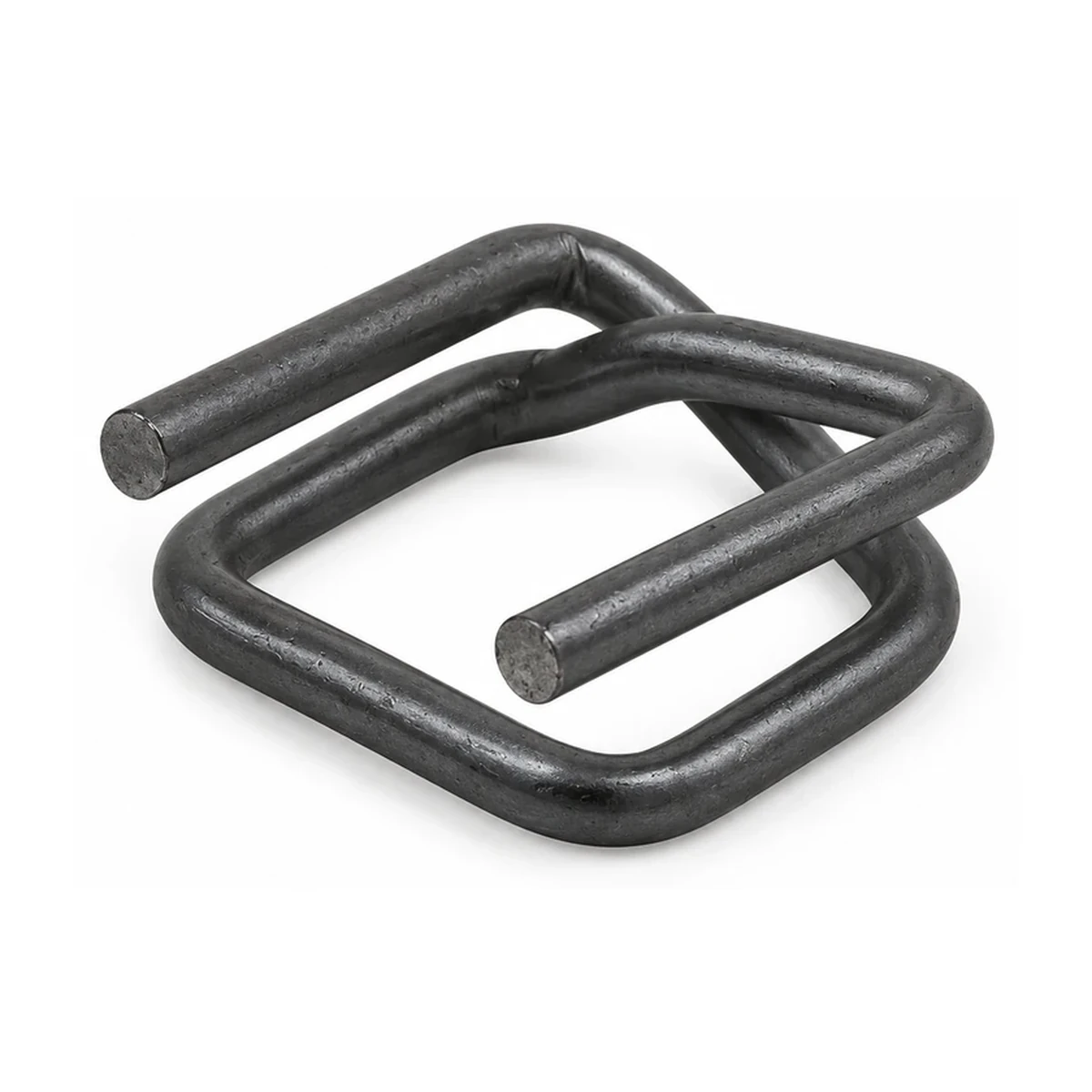
YK-WB-13P-30
Catalogue reference view; confirm the exact variant with the enquiry.
Add this reference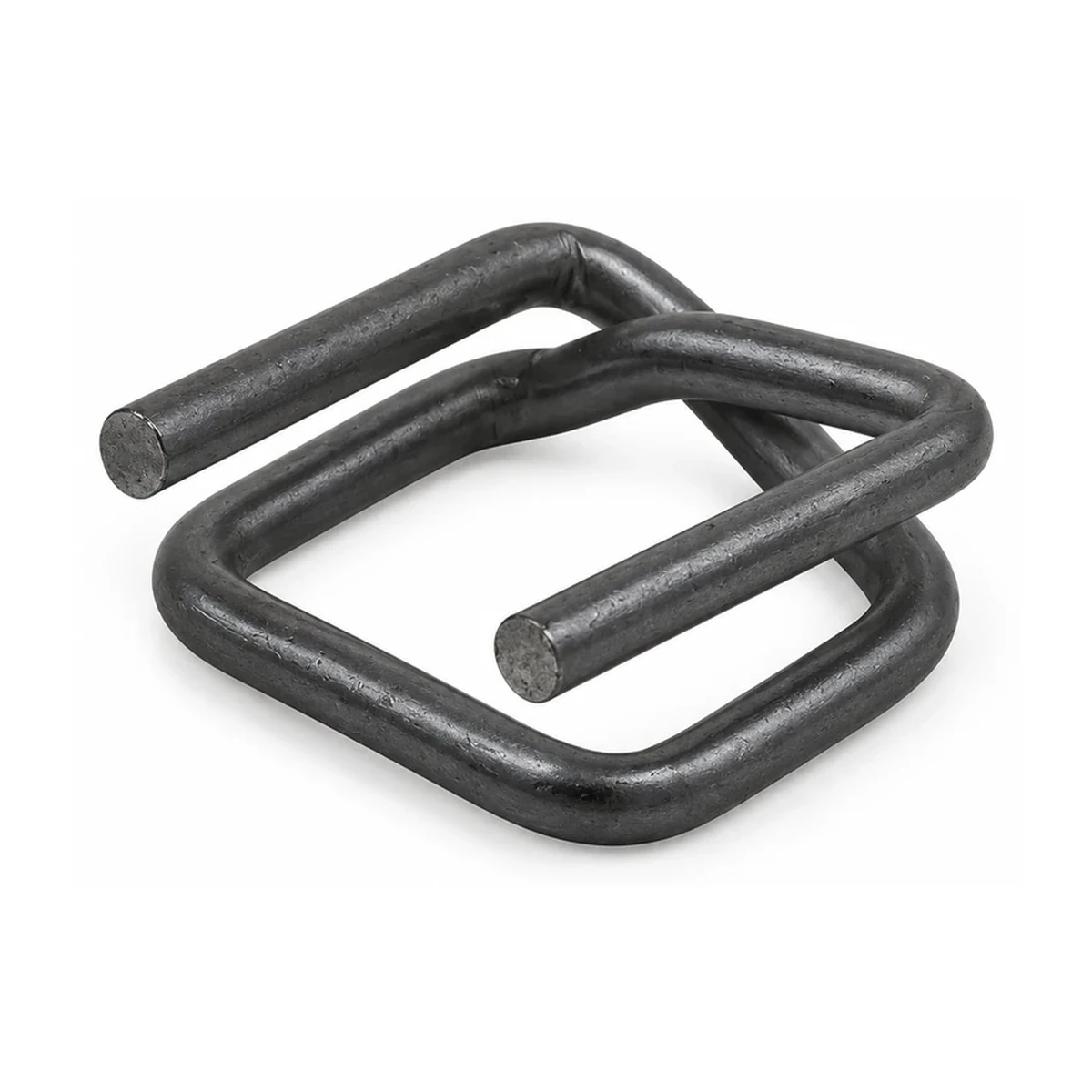
YK-WB-16P-30
Catalogue reference view; confirm the exact variant with the enquiry.
Add this reference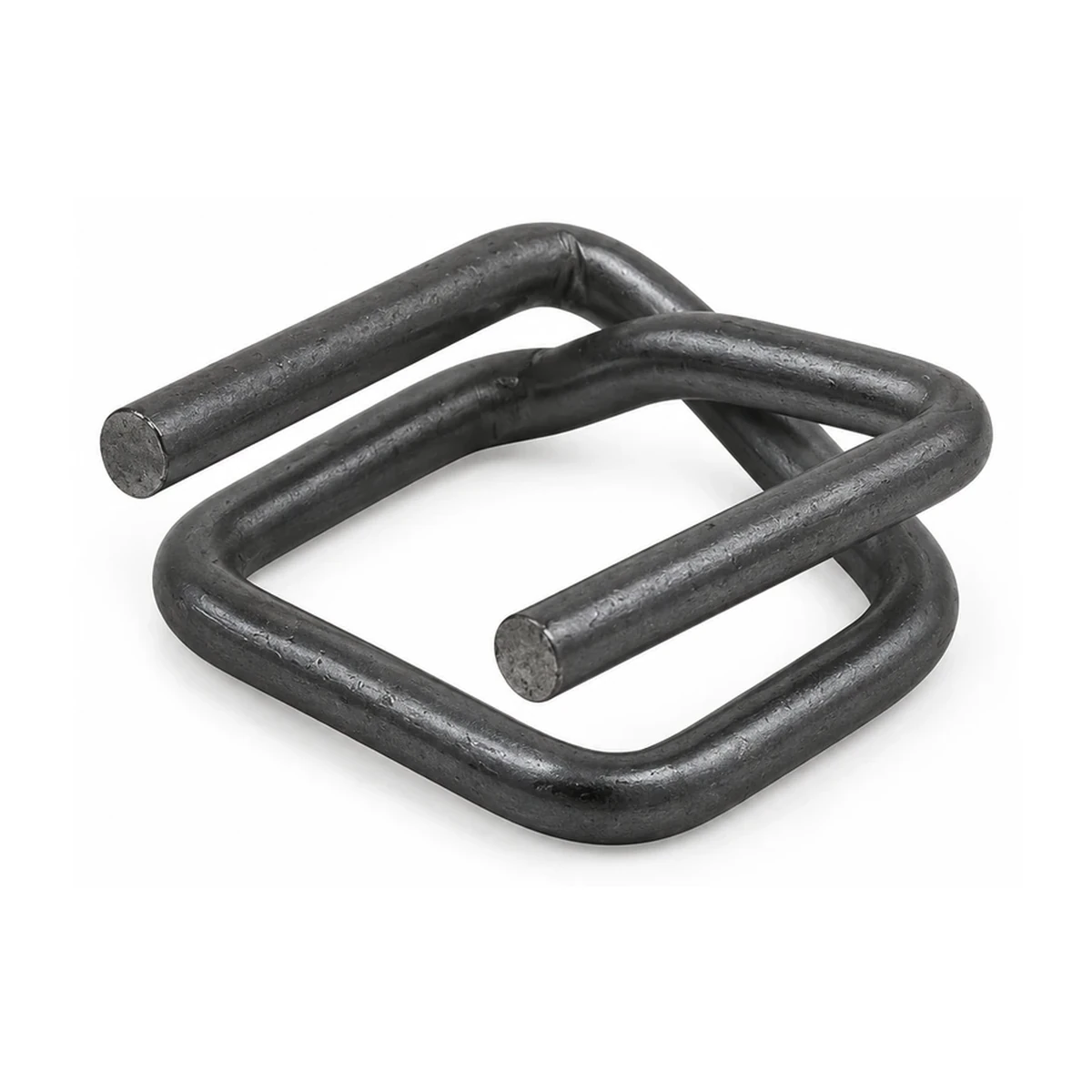
YK-WB-19P-35
Catalogue reference view; confirm the exact variant with the enquiry.
Add this reference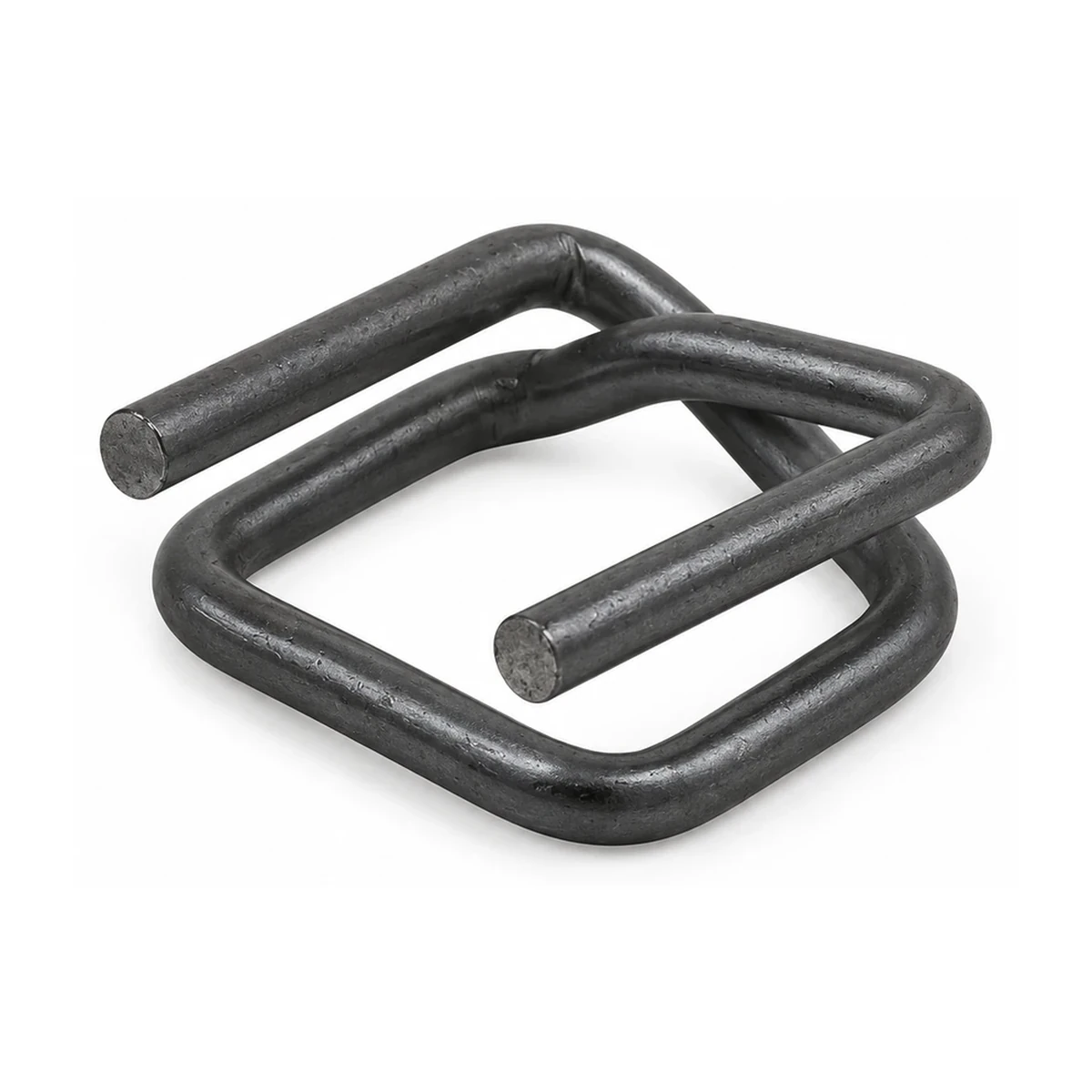
YK-WB-25P-45
Catalogue reference view; confirm the exact variant with the enquiry.
Add this reference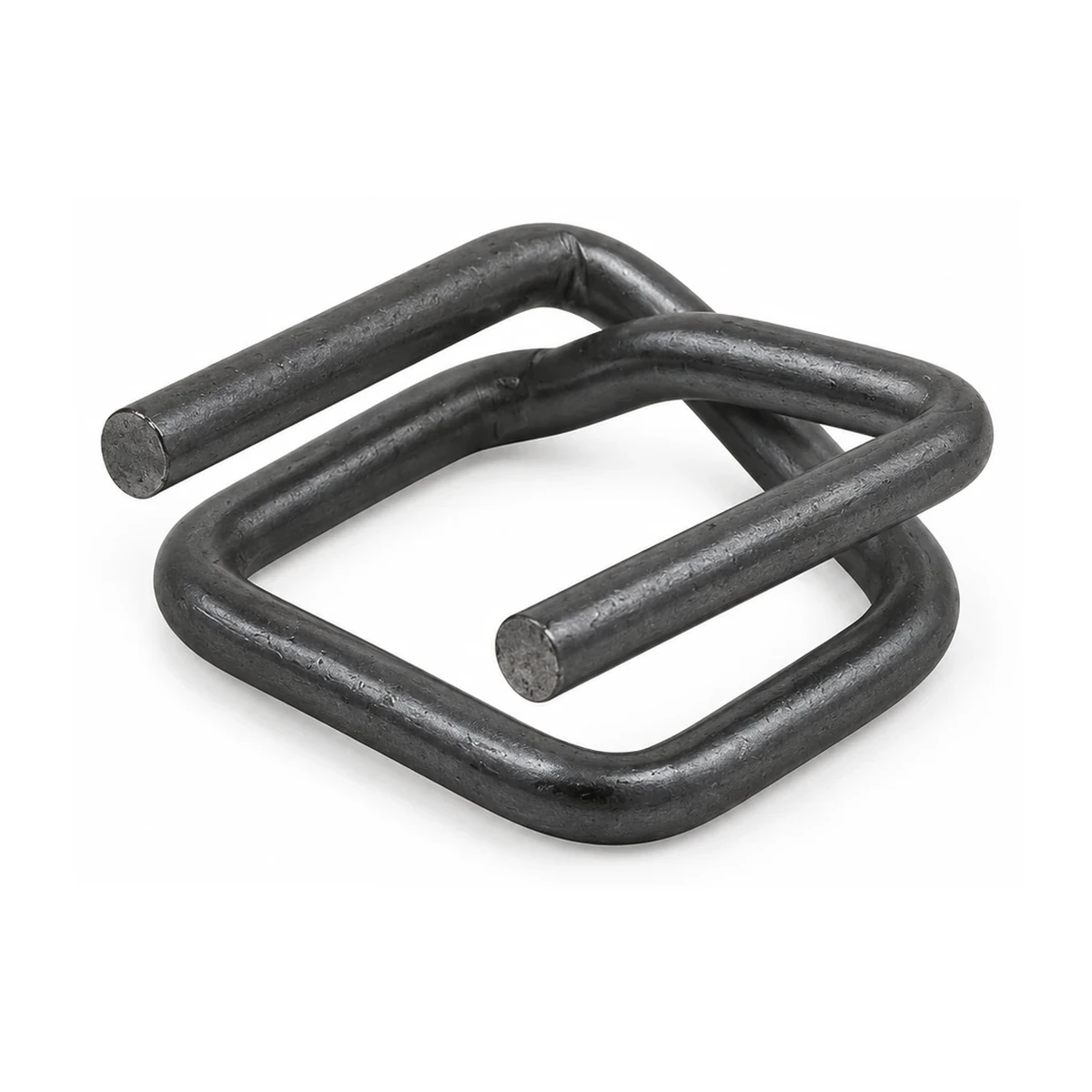
YK-WB-32P-60
Catalogue reference view; confirm the exact variant with the enquiry.
Add this reference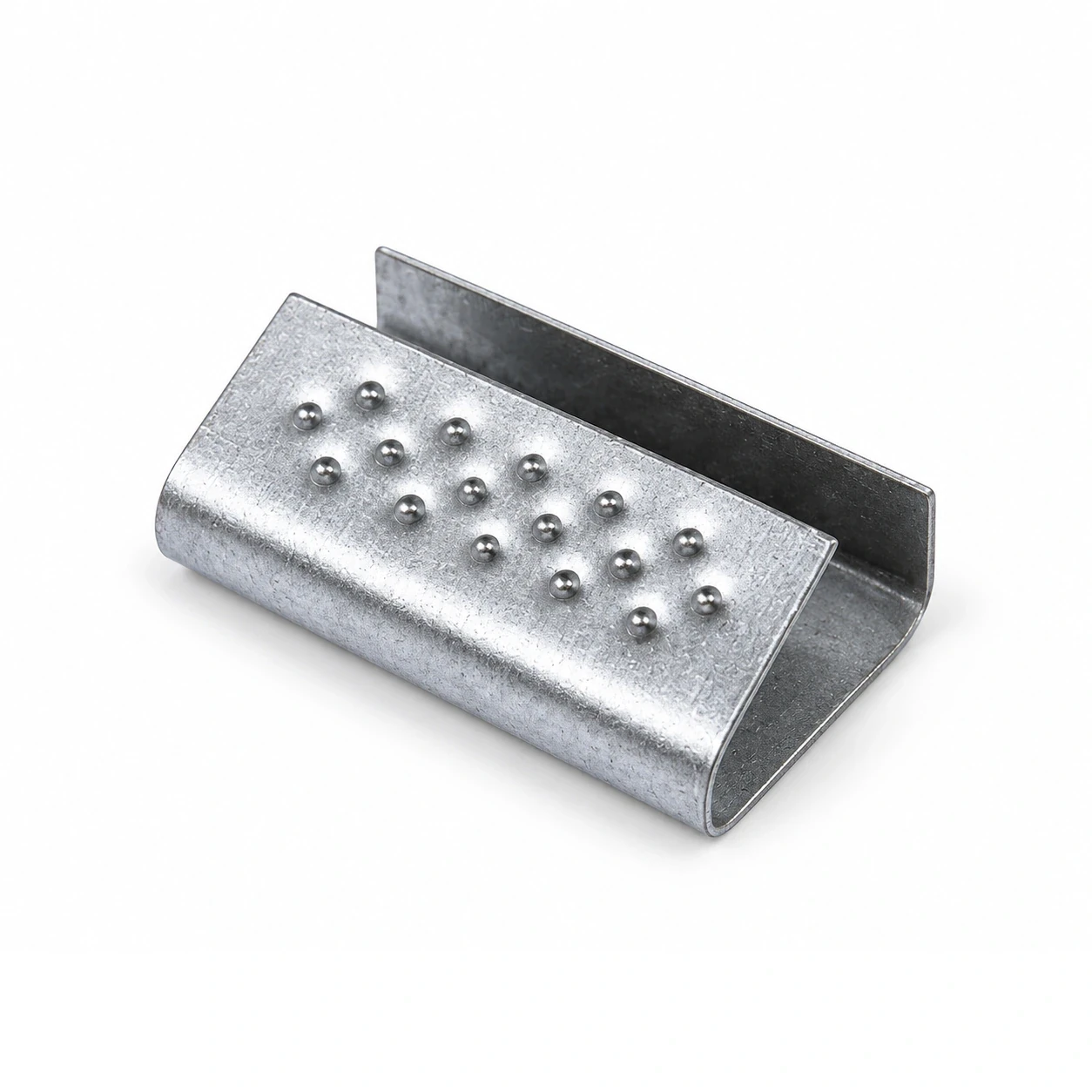
YK-SC-12
Catalogue reference view; confirm the exact variant with the enquiry.
Add this reference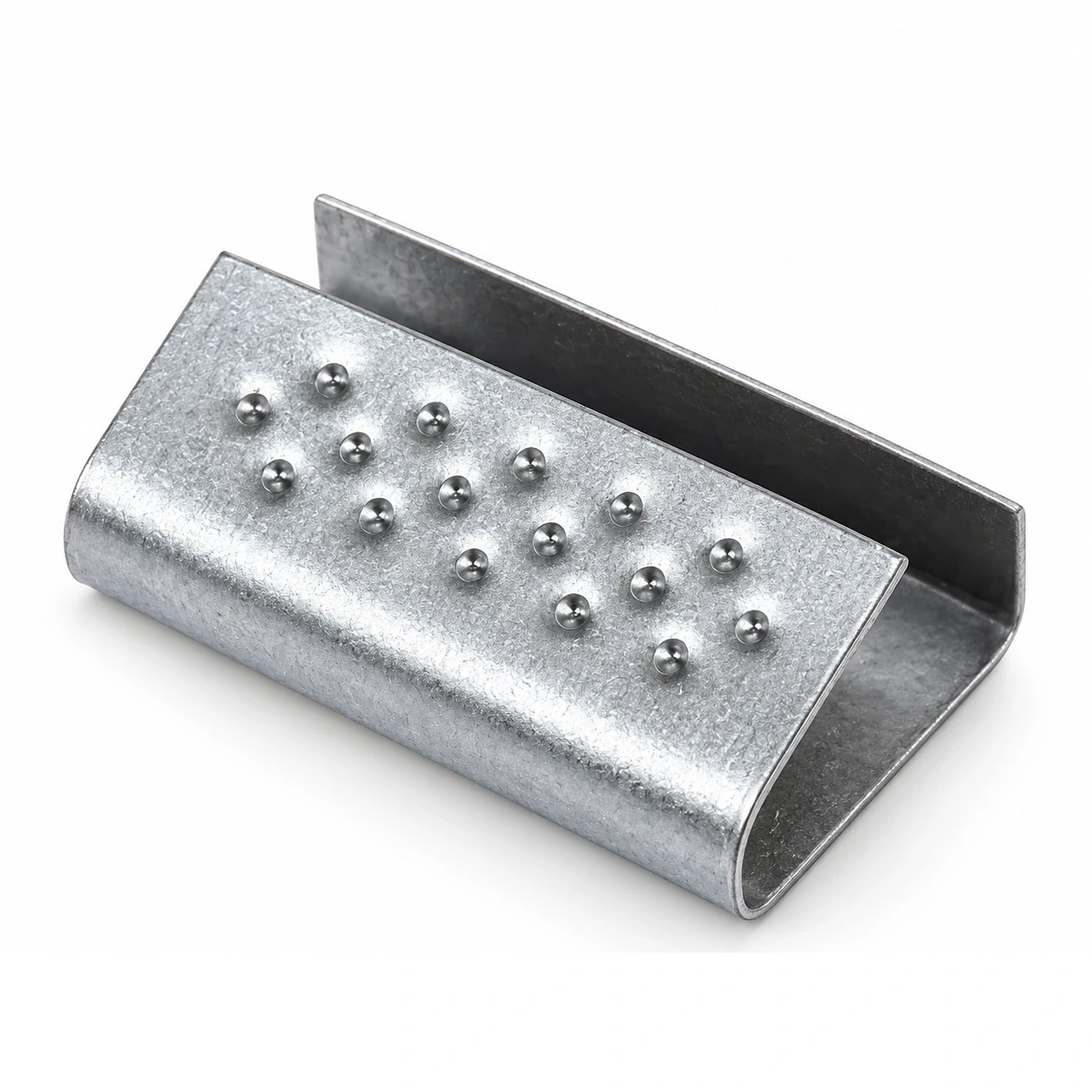
YK-SC-16
Catalogue reference view; confirm the exact variant with the enquiry.
Add this reference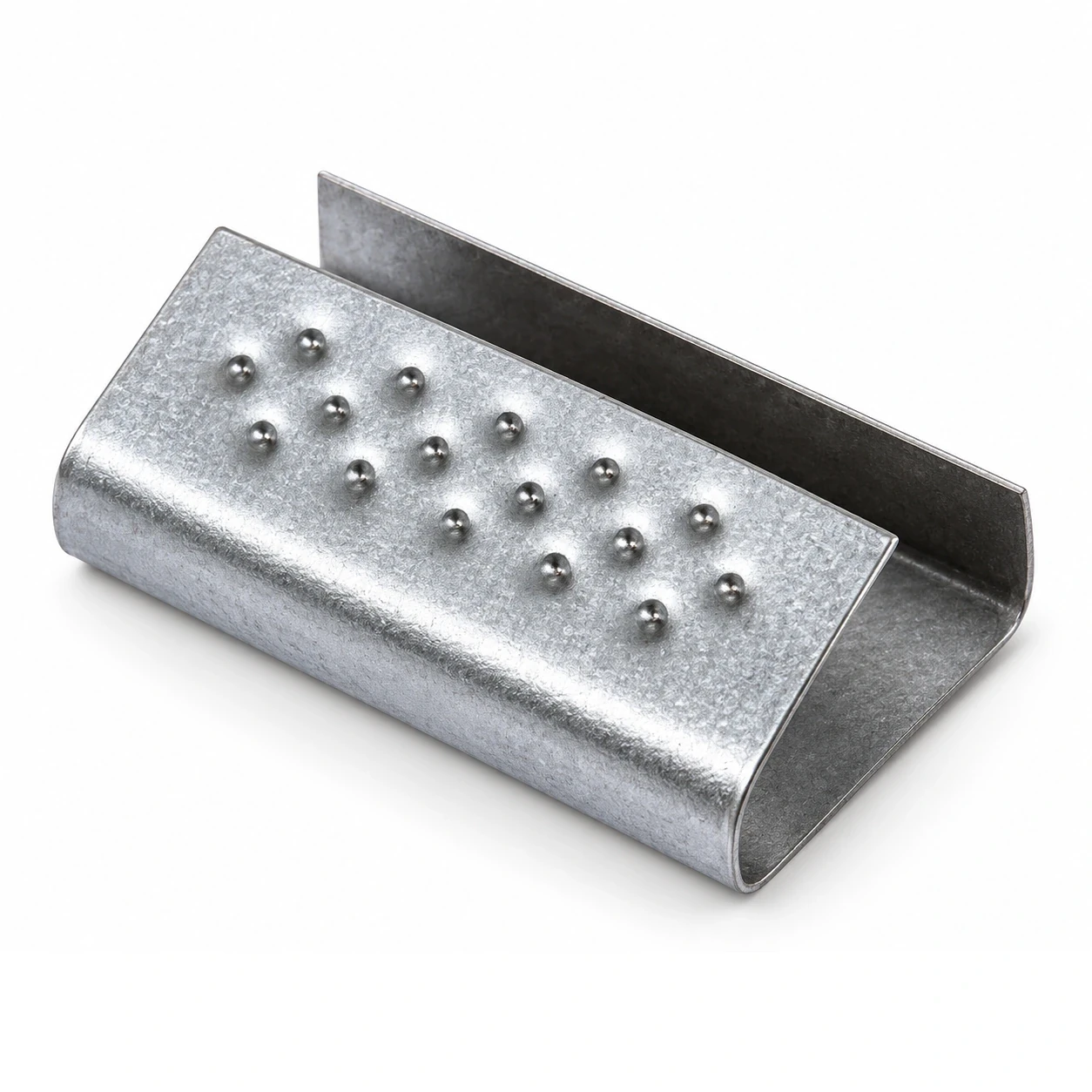
YK-SC-19
Catalogue reference view; confirm the exact variant with the enquiry.
Add this reference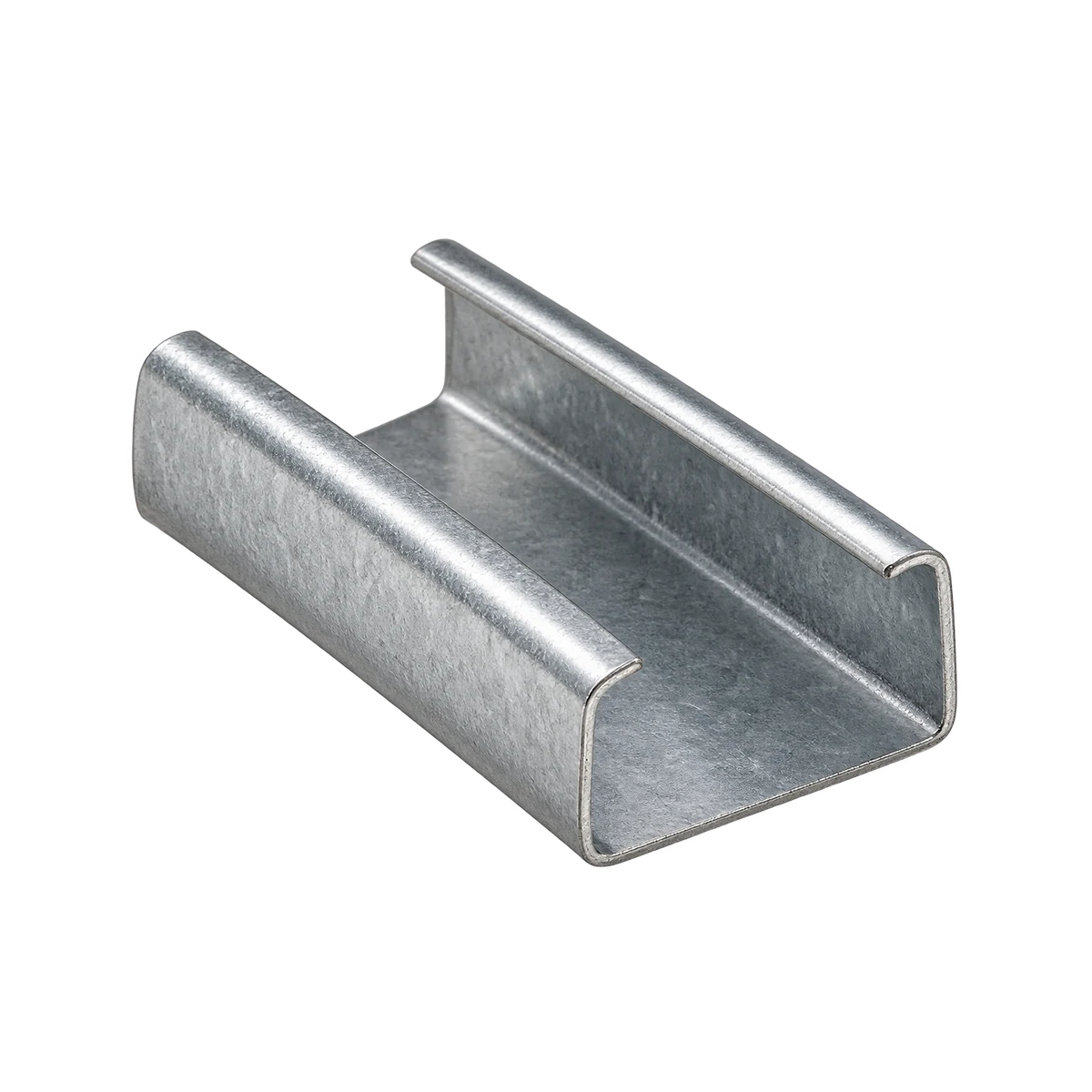
YK-SS-16G
Family reference view; exact variant remains to be confirmed.
Add this referenceYK-SS-19G
Family reference view; exact variant remains to be confirmed.
Add this referenceYK-SS-32G
Family reference view; exact variant remains to be confirmed.
Add this reference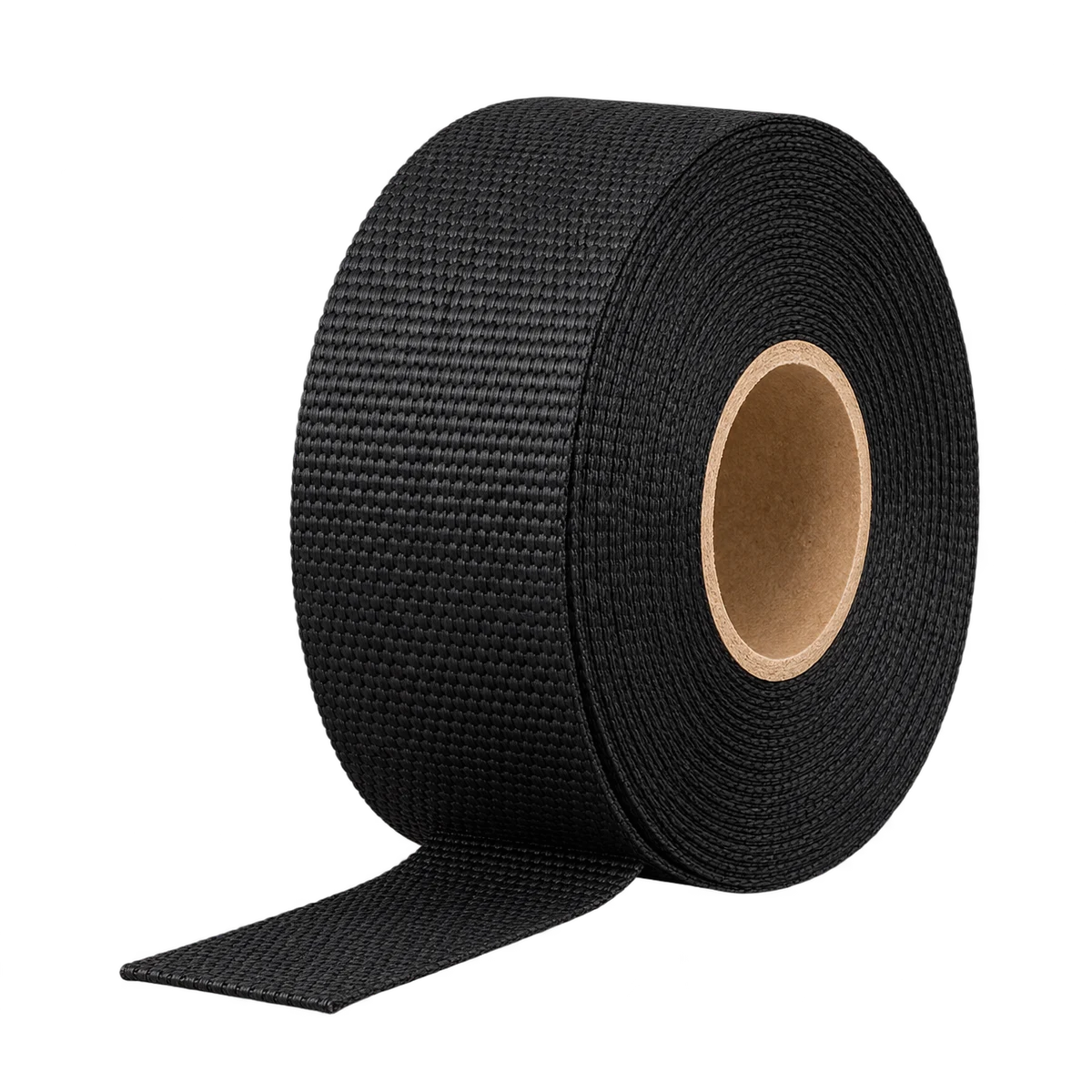
YK-WS-13
Family reference view; exact variant remains to be confirmed.
Add this referenceYK-WS-16
Family reference view; exact variant remains to be confirmed.
Add this referenceYK-WS-19
Family reference view; exact variant remains to be confirmed.
Add this referenceYK-WS-25
Family reference view; exact variant remains to be confirmed.
Add this referenceYK-WS-32
Family reference view; exact variant remains to be confirmed.
Add this reference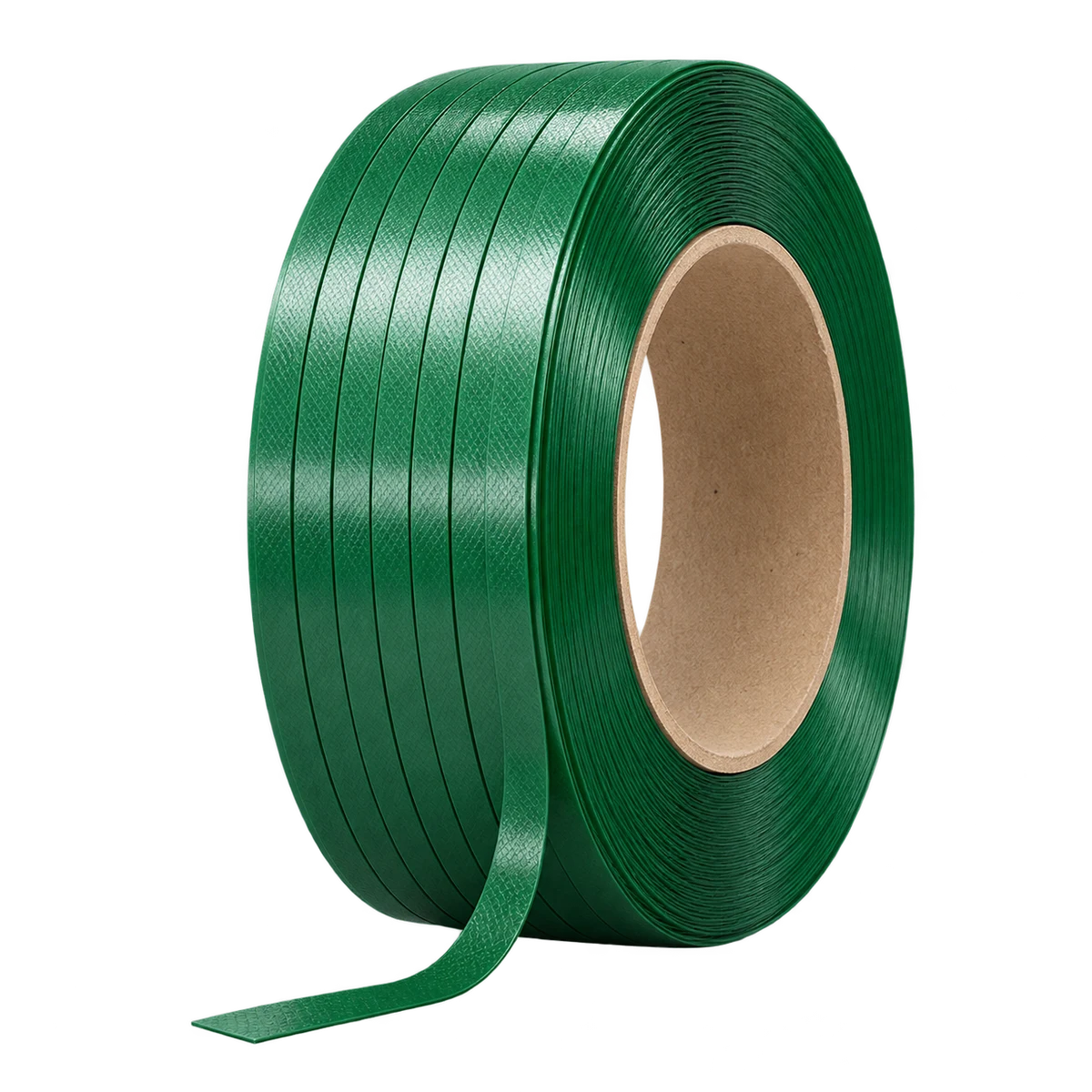
YK-PS-12
Family reference view; exact variant remains to be confirmed.
Add this referenceYK-PS-16
Family reference view; exact variant remains to be confirmed.
Add this referenceYK-PS-19
Family reference view; exact variant remains to be confirmed.
Add this referenceCatalogue order units are not a conversion rule. The workbench keeps requested pieces, cartons and rolls separate. No load rating or compatibility is established by the image.
BRING THE SOURCE. KEEP THE QUESTIONS.